Fortnite: 10 Fastest Ways to Improve on a Controller
Getting better at controllers requires hard work and consistency. Here are 10 tips to improve your game on a controller and start getting Victory Royales.
Getting better at controllers requires hard work and consistency. Here are 10 tips to improve your game on a controller and start getting Victory Royales.
In Fortnite, fights are often decided in seconds: one missed shotgun shot, one slow turn, one awkward button press. For controller players, those tiny moments matter even more. The difference between winning a clutch endgame and heading back to the lobby usually isn’t luck; it’s optimization.
While many players believe improvement simply comes from grinding more matches, the truth is that smarter adjustments lead to faster results. Fine-tuning your settings, refining your mechanics, and building disciplined habits can transform your gameplay far quicker than endless hours of casual play.
If you’re ready to sharpen your aim, clean up your movement, and compete at a higher level, these are the 10 fastest and most effective ways to improve on a controller in Fortnite.
The first order of business you have to take care of is to reduce the input lag that playing on a controller brings about.
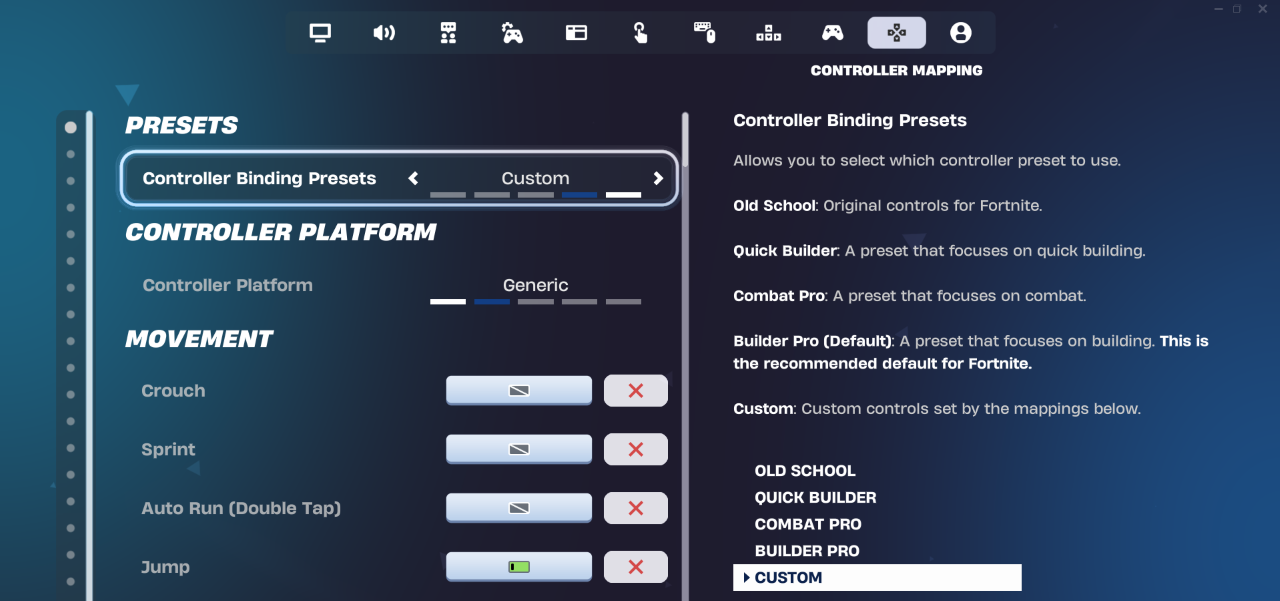
To start, if you’re playing with a wireless controller, the first step is to get a wired connection, as it significantly reduces input lag and allows your actions to be registered even more quickly. Secondly, go into the controller settings and change the controller platform from Xbox or PlayStation to generic, as this reduces any extra computing that is needed to change one input to another.
The next step after reducing your input lag is to find the perfect sensitivity for your playstyle. Many new controller players think that they can improve and start winning by just copying a pro player's settings, but that rarely works. Every person is different and has different strengths and weaknesses, so just copying someone else’s optimal settings won’t work for you.
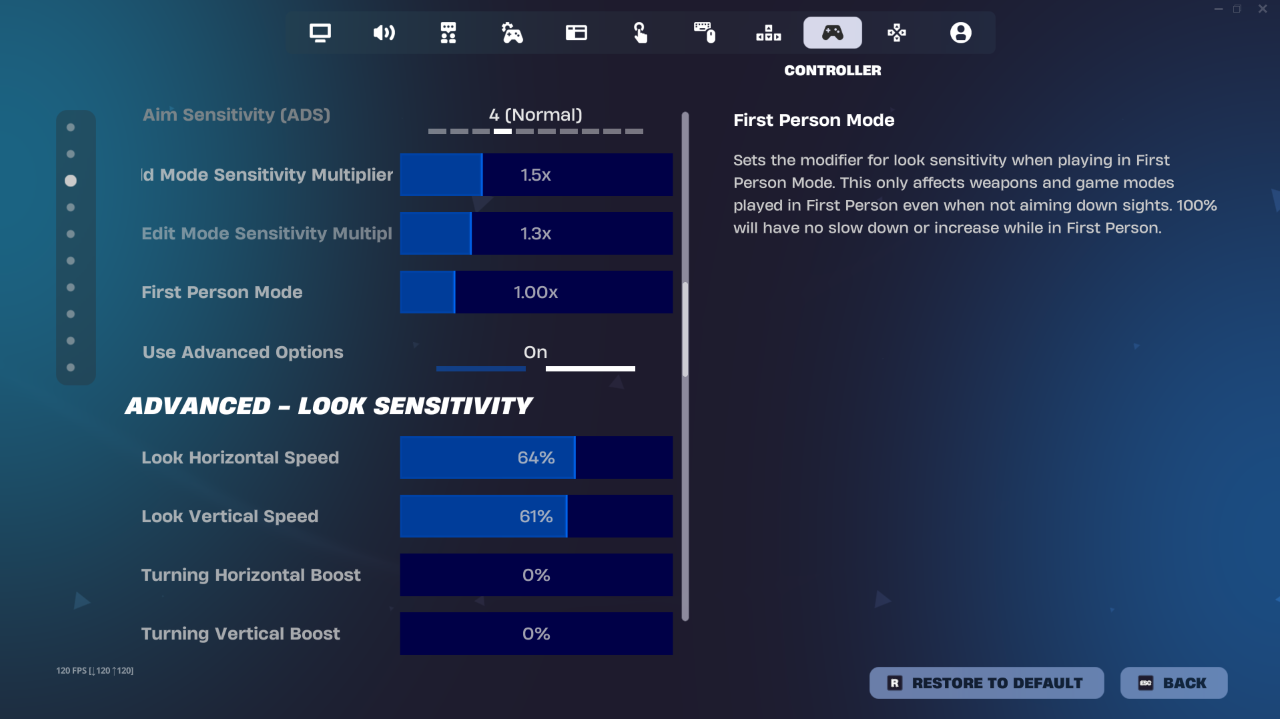
Finding your sensitivity takes time and is a trial-and-error process. Using the basic controller settings can help you improve, but you will hit a ceiling quite quickly, with your progress halting completely. Fortnite provides advanced controller settings that give you the option to change your sensitivity, dead zones, aim acceleration, boost settings, etc.
To find your ideal sensitivity, start by setting your build and edit mode sensitivities to a 2.0X multiplier. Then, enter Creative Mode and practice your builds and edits. If you find this sensitivity too fast, then you can lower it point by point and vice versa until you find the one where you feel most comfortable.
You can then adjust all the other settings to your liking as you practice and improve.
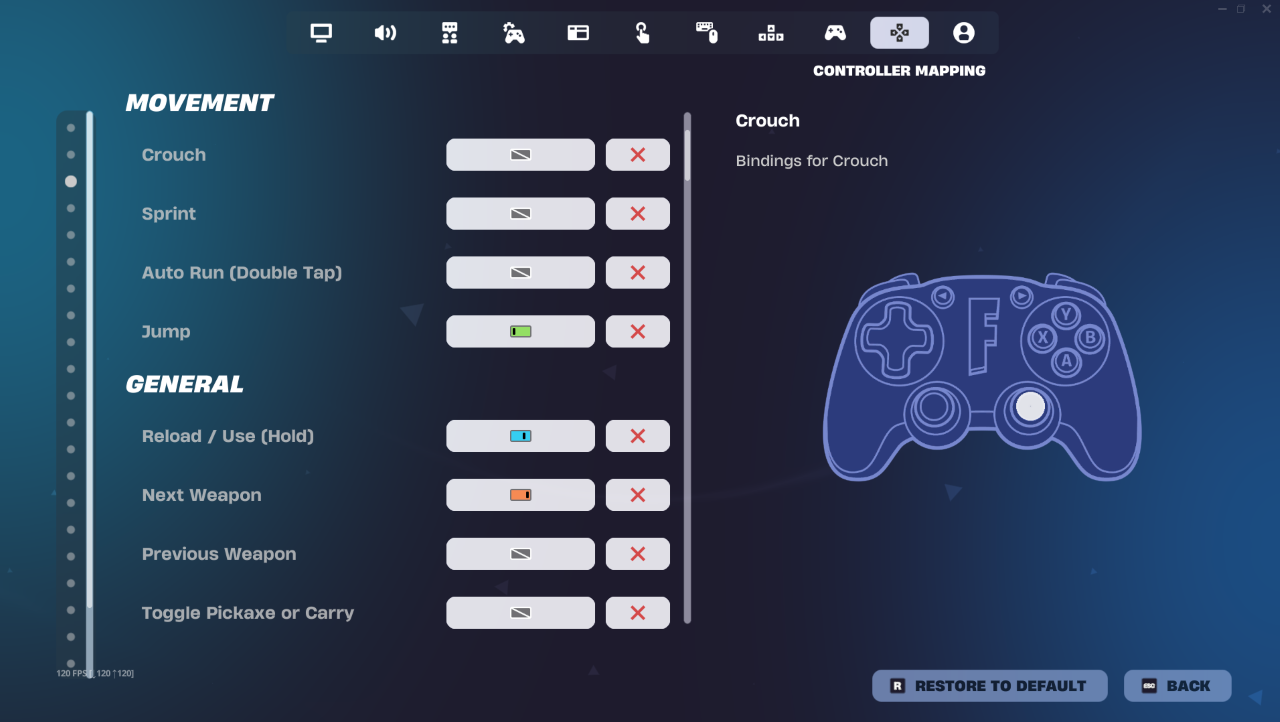
Customizing your controller binds can have a huge impact on your reaction time and mechanics in Fortnite. Keyboard and mouse players have countless buttons to choose from, but controller players have limited flexibility in choosing optimum binds.
The default binds are made for accessibility, not for optimal play, which means that some actions will require you to take your thumb off the right stick, temporarily sacrificing your aim. Customizing your binds will enable you to keep your crosshair on target while performing key actions such as jumping, crouching, editing, or switching weapons. Some of the most popular binds among competitive players include those that enable them to jump or slide without having to move their aiming thumb, and for those with paddled controllers, jump or edit binds are often placed on the back buttons for optimal play. The idea is not to play like a pro but to set up in a way that requires minimal finger movement, feels intuitive, and enables smoother movement in combat.
Custom controllers with paddles are the best way a controller player can improve quickly, but they are expensive, and not everyone can afford that luxury. Another way you can improve on a regular controller is to play CLAW. The CLAW position allows your thumbs to permanently stay on the joysticks, allowing you full control of your movement at all times, while your index fingers rest on the face buttons of the controller, and your middle fingers stay on the shoulder of the controller and press the triggers whenever needed.
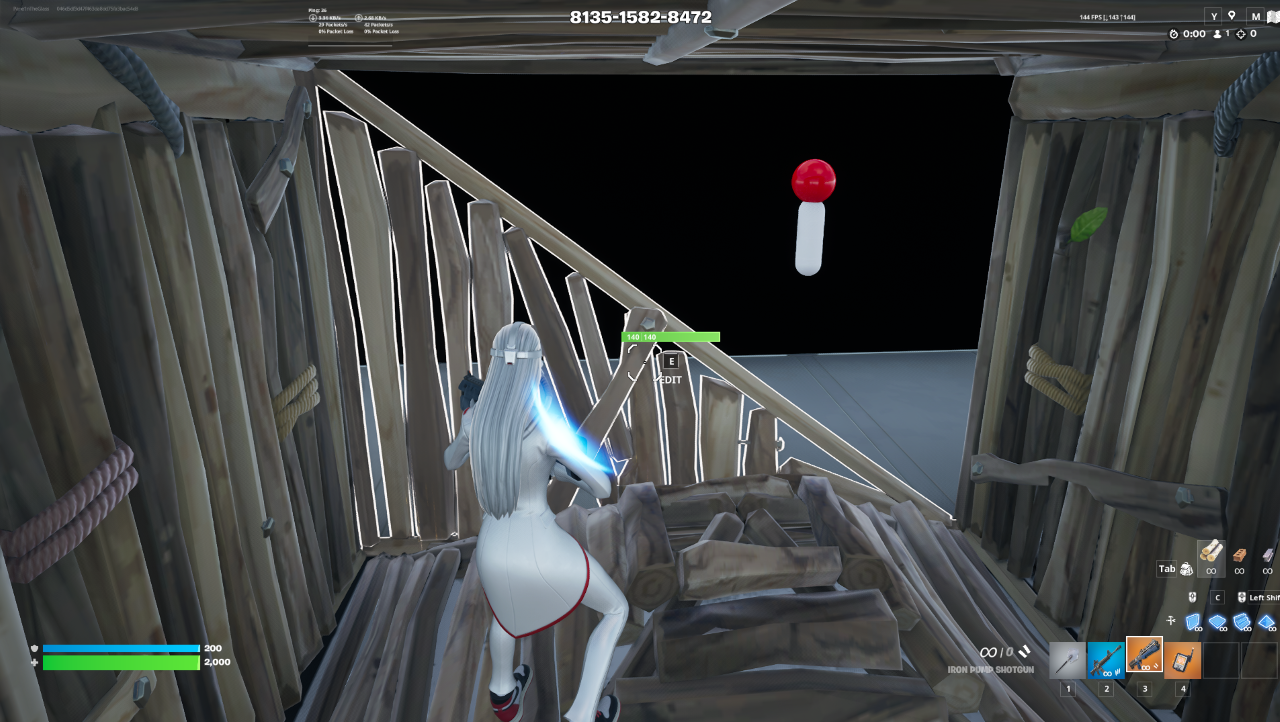
Controllers provide limited movement compared to a keyboard and mouse, as they are vastly different inputs with different use cases. In Fortnite, crosshair placement is extremely important, as it separates the average players from the elite players. Instead of reacting to the movement of the enemy, good players place their crosshairs on where the enemy is likely to emerge and react accordingly. This little trick can make a huge difference in whether you win the fight or are sent back to the lobby.
Good crosshair placement reduces reaction time dramatically. To land shots, you only need to micro-adjust and shoot when you have good crosshair placement, and over time, this habit increases your accuracy and win rate.
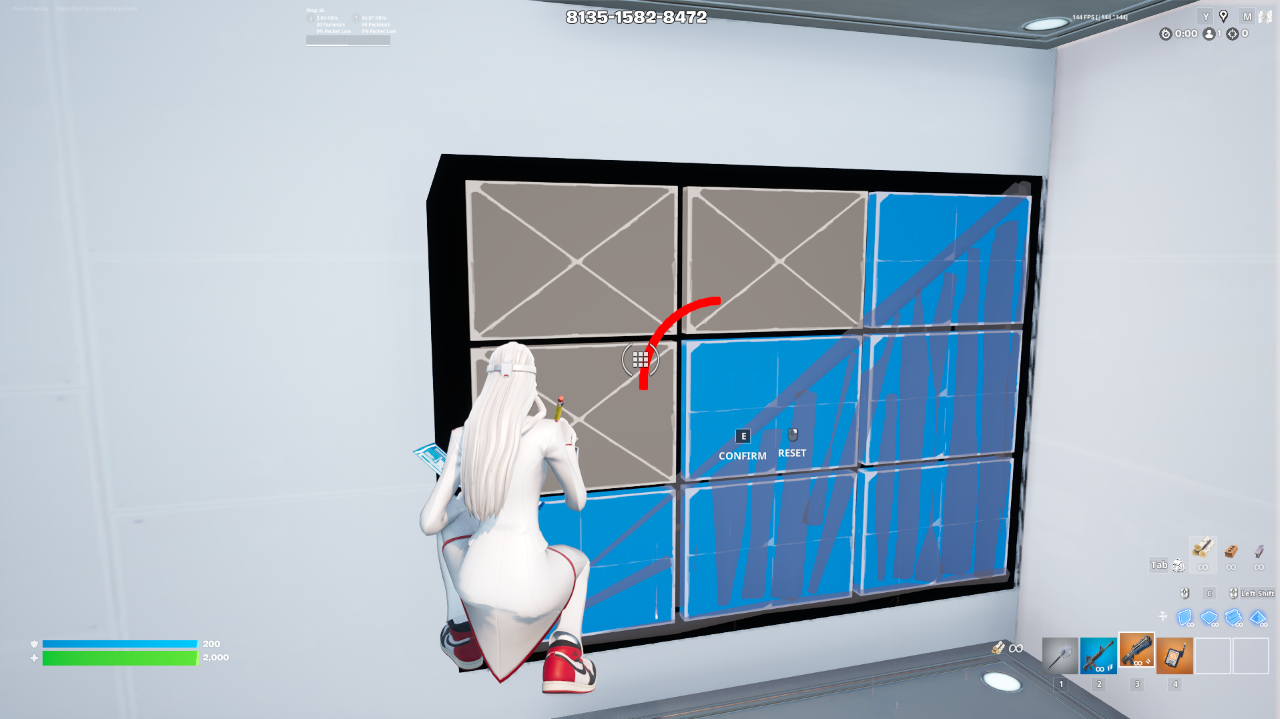
No matter how much you train your aim or your building/editing speed, it won't matter if your opponent just shoots you in the face, sending you back to the lobby. Movement in Fortnite is a defensive mechanism; standing still makes you an easy target, while constantly moving and repositioning gives you an edge over your opponent.
Controller players should master
Movement combined with aim creates unpredictability. Higher-level controller players often win fights not because of their aim but because of their superior movement and positioning.
Aiming with joysticks is hard. To combat that, all games that support controllers have built-in aim assist to help controller players get to a level where they can challenge their KB&M peers.
While aim assist helps with aiming, it does not negate recoil management. If you spray a gun without control, you are likely to waste ammo and lose the fight.
To improve recoil management:
Tracking consistency is extremely important in Zero Build or mid-range situations. Controlled and steady aiming leads to better damage and successful eliminations.
Fights in Fortnite usually end in close-quarters shotgun encounters. Your shotgun aim is crucial in determining the outcome of these fights.
To dominate these close combat situations
Aim assist in tight encounters favors controller players, but mastering shotgun accuracy helps more to finish the encounter quickly with less damage taken.
Aiming on a controller is hard because the only movement you get is from the joysticks, while on KB&M, a mouse and one whole hand are dedicated to aiming. To reach a level where you can aim and build like top controller pros such as Reet, Mero, T3eny, and others, it requires significant dedication and practice. You have to put in countless hours training your aim and building creatively. Maps like Raider's maps and numerous other mechanic training maps exist where you can practice on any mechanic individually or all at once.
For training your aim, an important trick is to turn off aim assist when practicing, so you can get a hang of how to aim and shoot when the software is not assisting you. Turning aim assist back on when going into a game will give you a slight edge over your aim, where your instinctual and assisted aim benefits you in the long run.
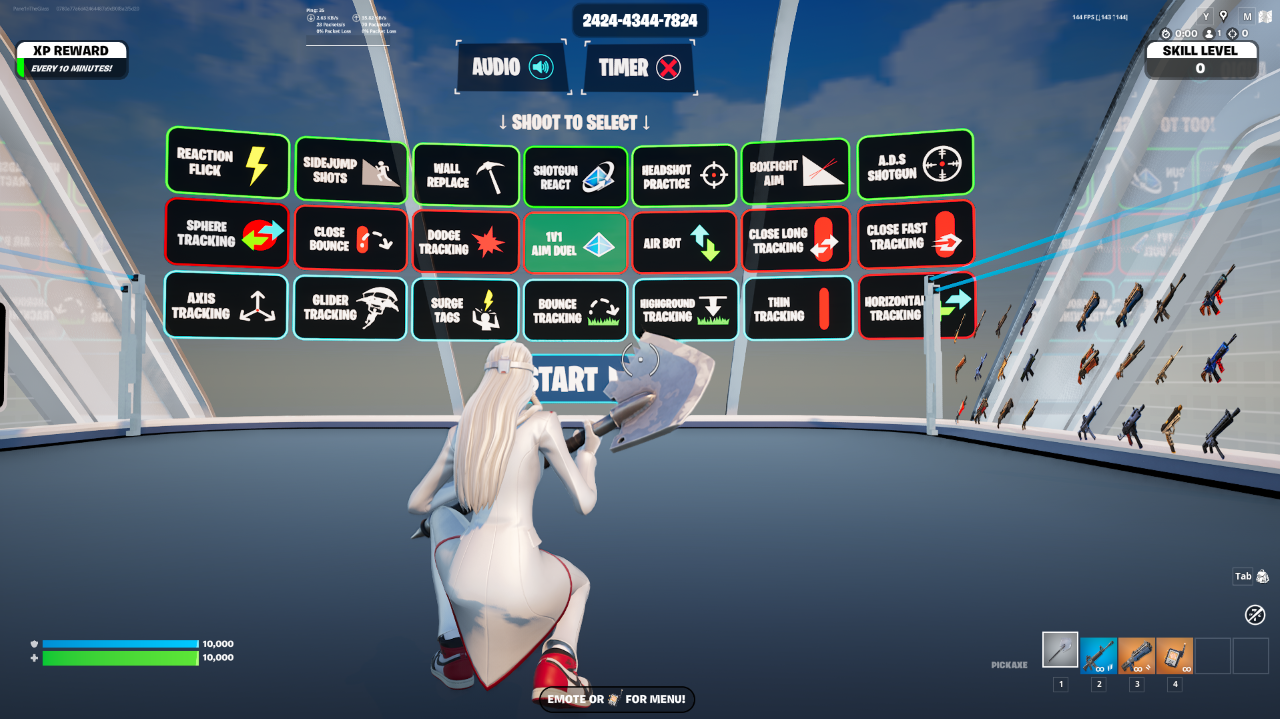
Playing for long stretches without a plan does not guarantee improvement. You have to train with intention and purpose to become the best you there is.
One of the best ways to improve and play with an objective is to VOD review your games and find out what you’re doing wrong. Joining scrim discords and channels with like-minded motivational players will also help you improve quickly, as you’ll learn from more experienced players what to do and what not to do.
All the training in the world won’t help you win fights if you panic and get scared of losing. Enduring losses is how people become successful and tough. Most players in Ranked or tournaments are timid and scared to lose, so when they’re forced to fight for their survival, they crumble under the pressure and can’t focus on what they’ve learned and practiced.
Pro controller players stay calm under pressure and rely on their training and decision-making. Confidence is built through preparation.
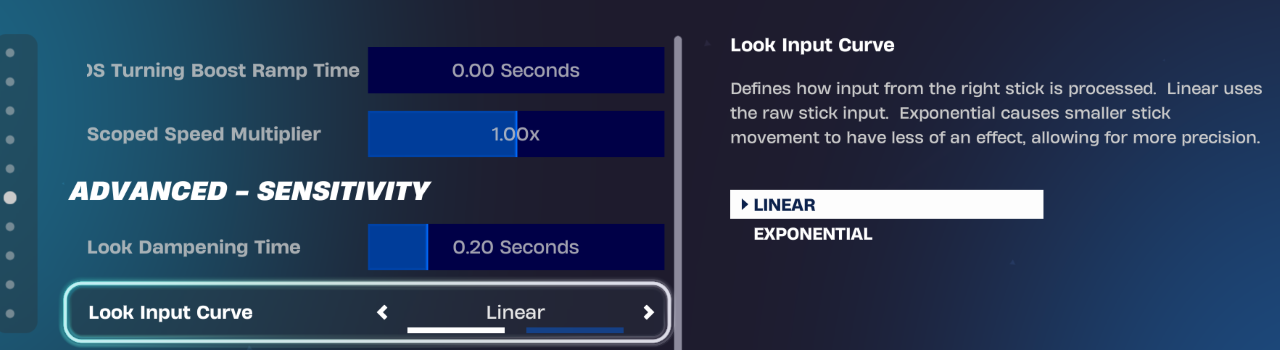
You might have questions on what look input curve you should use, as different pros use one or the other. Usually, it’s all about preference; both have advantages and disadvantages.
Exponential is better for shotgun flicks and close-range combat, while linear is more effective for building and long-range engagements. You can try both out and see what works best for you based on your fighting style.
Getting better at any game or input requires hard work and dedication. Staying calm while in stressful situations and reminding yourself of your training and purpose will help you stay consistent in your skills and facilitate your growth into your best self.