NordVPN Gaming Guide: Setup, Performance & Tips
Learn how to set up NordVPN for gaming on any platform. Access region-locked content when traveling, protect your IP, and maintain low latency.
Learn how to set up NordVPN for gaming on any platform. Access region-locked content when traveling, protect your IP, and maintain low latency.
VPN gaming serves different purposes depending on who you ask. Some use it to maintain access to region-locked games while traceling abroad. Others want different matchmaking experiences by connecting through various locations. Streamers use it for IP protection. The common thread? Region flexibility and privacy.
Is NordVPN good for gaming? I'll show you how to set it up properly, what performance impact to expect, and when it actually makes sense to use it.
NordVPN is worth it for gaming if you need region flexibility, IP privacy, or secure access while traveling. NordVPN delivers fast speeds with the NordLynx protocol, maintains playable ping and latency on nearby servers, and keeps your IP protected during competitive play. The practical benefits come down to accessing region-locked content when traveling abroad, changing your matchmaking region, and maintaining privacy while streaming or playing ranked.
I'd recommend it for:
The reasons vary depending on your situation. Some gamers want early access to releases, others need IP privacy, and some just want reliable connections while traveling. Here's the breakdown:
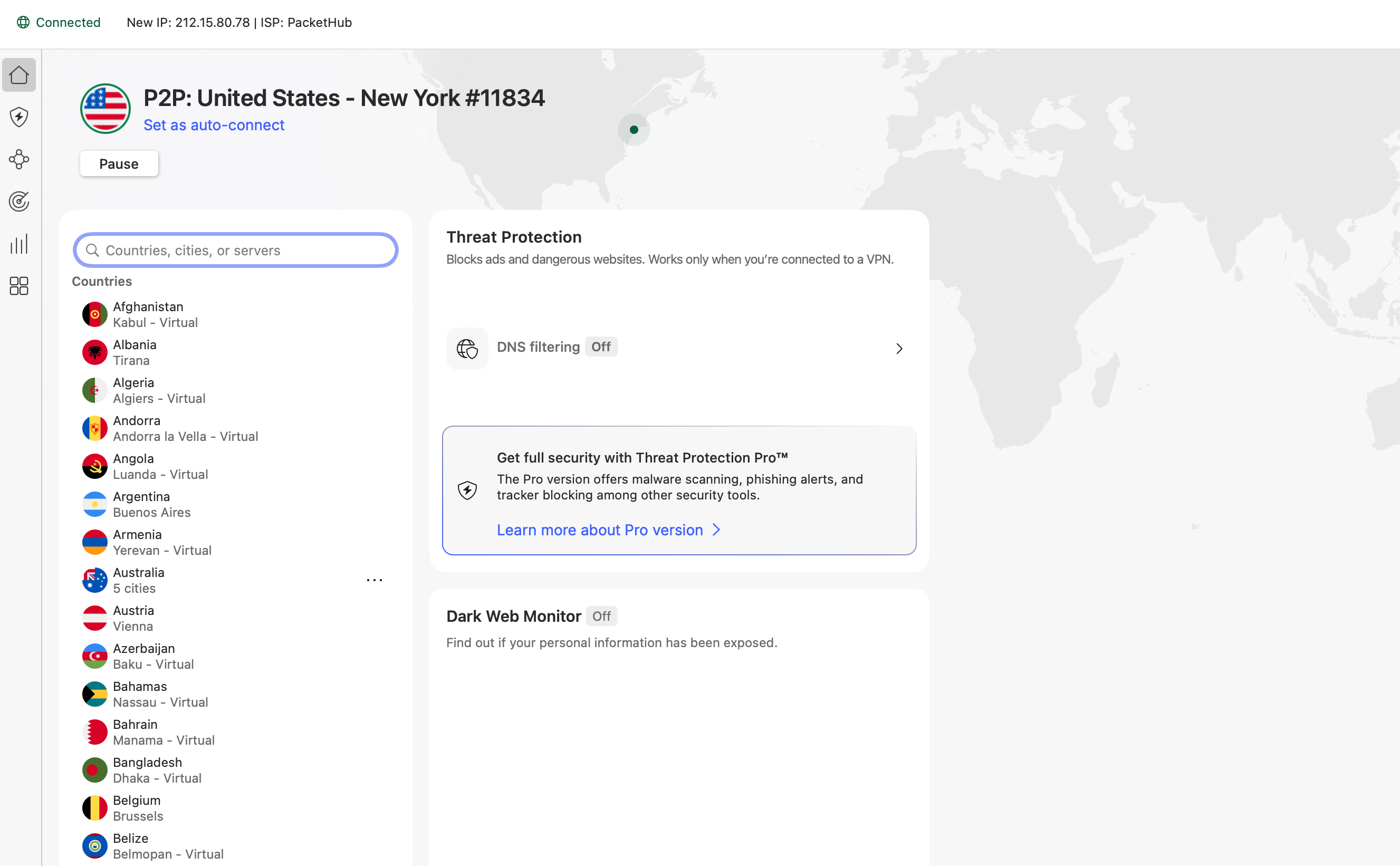
Setting up NordVPN for gaming is straightforward once you understand the best approach for your platform. I'll walk you through how to setup NordVPN for gaming step-by-step to get you protected without compromising performance.
Before you can set up NordVPN on any device, you'll need an active subscription:
NordVPN offers a 30-day money-back guarantee, so you can test it risk-free to see if it works for your gaming setup.
Once you have an active subscription, here's how to use NordVPN for gaming on every major platform.
PC setup is the most straightforward since NordVPN offers dedicated apps for both Windows and Mac:
Once connected, launch your game and you're protected. The NordVPN for gaming setup on PC takes less than five minutes from download to playing.
NordVPN Xbox setup requires a workaround since Xbox consoles don't support VPN apps natively. You have two options:
Method 1: Router Setup (Recommended)
Method 2: PC Connection Sharing
The router method is cleaner for permanent NordVPN Xbox protection, while PC sharing works well for temporary use or testing.
Like Xbox, PlayStation consoles don't support VPN apps directly. Use the same two methods:
Router Setup: Install NordVPN on your router and connect your PS4/PS5 to that network. This protects all devices on your network automatically.
PC Connection Sharing:
For PS5 specifically, the process is identical to PS4. The router method provides the most seamless NordVPN for gaming experience on PlayStation consoles.
Mobile setup is as simple as PC:
Battery Consideration: VPNs do consume extra battery since they're encrypting all traffic. For extended mobile gaming sessions, keep a charger handy or use battery saver mode when possible.
Router setup is the ideal solution for consoles and provides whole-home VPN coverage. Here's how to setup NordVPN for gaming at the router level:
Compatible Routers: You'll need a router that supports VPN clients. Popular options include:
Configuration Steps:
Pros of Router Setup:
Cons:
For serious console gamers, router setup provides the most convenient NordVPN for gaming experience once configured.
Once you've installed NordVPN for gaming, the right settings can make the difference between smooth performance and frustrating lag. Here's my recommendations on using NordVPN for gaming with optimal configurations that balance security and speed.
NordLynx is NordVPN's proprietary protocol built on WireGuard technology, and it's the fastest option for gaming. It delivers lower latency and better speeds than older protocols like OpenVPN or IKEv2/IPsec.
How to enable it: Open NordVPN settings, navigate to VPN Protocol, and select NordLynx. This single change can significantly reduce your ping compared to other protocols.
The kill switch disconnects your internet if the VPN drops, preventing your real IP from being exposed. While this is excellent for security, it can be problematic during competitive matches.
Recommendation: Turn it ON if DDoS protection is your priority and you're willing to risk a brief disconnect if the VPN fails. Turn it OFF if you'd rather maintain connection continuity during matches, accepting the small risk of temporary IP exposure.
Split tunneling lets you choose which apps use the VPN and which connect directly. This is one of the most powerful features for NordVPN for gaming.
Best practice: Route your game through the VPN for IP protection, but send voice chat apps like Discord, TeamSpeak, or game launchers outside the tunnel. This reduces overall latency while maintaining the security benefits where they matter most.
How to configure: In NordVPN settings, enable Split Tunneling and add your voice chat applications to the exclusion list.
NordVPN uses private DNS servers on every VPN endpoint to keep your DNS queries encrypted and fast. For most gamers, the default DNS settings work perfectly.
Advanced option: If you experience DNS-related issues, you can configure custom DNS servers in NordVPN's settings, but this is rarely necessary for gaming performance.
Unless you're in a region with heavy internet restrictions, don’t use obfuscated servers and Onion Over VPN for gaming. These features add extra encryption layers that will slow down your connection significantly. They're designed for privacy in restrictive environments, not for gaming performance.
When to use them: Only enable obfuscation if you need to hide VPN usage from your network or ISP. For standard gaming, stick with regular NordLynx servers.
Enable auto-connect to your preferred gaming server so you're always protected when you start your PC. This ensures you never forget to activate the VPN before jumping into ranked matches.
Configuration: In settings, enable "Auto-connect" and select either "Quick Connect" for the nearest server or choose a specific server location that works best for your games.
The key to how to use NordVPN for gaming effectively is understanding that not every security feature needs to be maxed out. Optimize for your specific needs, whether that's maximum protection or the lowest possible latency.
Your NordVPN subscription includes several features beyond gaming protection that add value to your overall online experience:
NordVPN for gaming gives you region flexibility for early beta access and different matchmaking pools, IP privacy for streaming, and secure connections while traveling. Setup is straightforward across PC, mobile, and consoles – this guide covers every platform so you can get running in minutes.
For players who want early access to content, streamers protecting their privacy, or anyone gaming from different locations, it's a practical tool. Test it risk-free with the 30-day money-back guarantee.
NordVPN gaming adds around 15-25ms latency on nearby servers using NordLynx protocol. For most competitive games, this is barely noticeable. Choose servers close to your location and use NordLynx for the fastest speeds.
Yes, but NordVPN Xbox requires a workaround. Install NordVPN on your router and connect Xbox to that network, or use PC connection sharing via Ethernet. The router method is best for permanent protection.
NordVPN gaming won't ban you from most games. Some anti-cheat systems flag VPNs, and violating the terms of service risks penalties. For DDoS protection and privacy, it's safe for most titles.